


Page 34 - Contoh Bagian Buku Praktikum Pemrograman Python
P. 34
3.  Flake8
                          ○  Untuk linting (cek kesalahan gaya penulisan kode).
                          ○  Instal via terminal:
                               pip install flake8


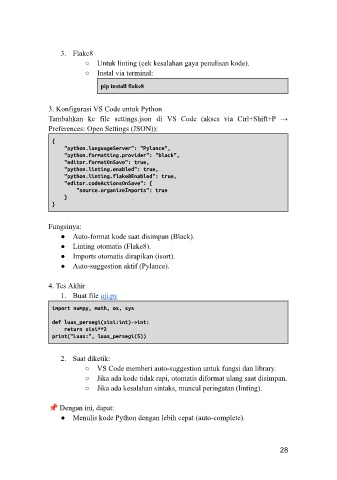
               3. Konfigurasi VS Code untuk Python
               Tambahkan  ke  file  settings.json  di  VS  Code  (akses  via  Ctrl+Shift+P  →
               Preferences: Open Settings (JSON)):

                {
                    "python.languageServer": "Pylance",
                    "python.formatting.provider": "black",
                    "editor.formatOnSave": true,
                    "python.linting.enabled": true,
                    "python.linting.flake8Enabled": true,
                    "editor.codeActionsOnSave": {
                        "source.organizeImports": true
                    }
                }

               Fungsinya:
                   ●  Auto-format kode saat disimpan (Black).
                   ●  Linting otomatis (Flake8).
                   ●  Imports otomatis dirapikan (isort).
                   ●  Auto-suggestion aktif (Pylance).

               4. Tes Akhir
                   1.  Buat file uji.py
                import numpy, math, os, sys

                def luas_persegi(sisi:int)->int:
                    return sisi**2
                print("Luas:", luas_persegi(5))

                   2.  Saat diketik:
                          ○  VS Code memberi auto-suggestion untuk fungsi dan library.
                          ○  Jika ada kode tidak rapi, otomatis diformat ulang saat disimpan.
                          ○  Jika ada kesalahan sintaks, muncul peringatan (linting).

                  Dengan ini, dapat:
                   ●  Menulis kode Python dengan lebih cepat (auto-complete).


                                                                                    28

