


Page 32 - Contoh Bagian Buku Praktikum Pemrograman Python
P. 32
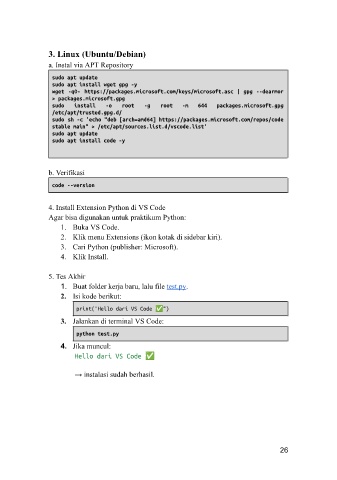
3. Linux (Ubuntu/Debian)
               a. Instal via APT Repository

                sudo apt update
                sudo apt install wget gpg -y
                wget  -qO-  https://packages.microsoft.com/keys/microsoft.asc | gpg --dearmor
                > packages.microsoft.gpg
                sudo   install   -o   root   -g   root   -m   644   packages.microsoft.gpg
                /etc/apt/trusted.gpg.d/
                sudo sh -c 'echo "deb [arch=amd64] https://packages.microsoft.com/repos/code
                stable main" > /etc/apt/sources.list.d/vscode.list'
                sudo apt update
                sudo apt install code -y


               b. Verifikasi

                code --version

               4. Install Extension Python di VS Code
               Agar bisa digunakan untuk praktikum Python:
                   1.  Buka VS Code.
                   2.  Klik menu Extensions (ikon kotak di sidebar kiri).
                   3.  Cari Python (publisher: Microsoft).
                   4.  Klik Install.

               5. Tes Akhir
                   1.  Buat folder kerja baru, lalu file test.py.
                   2.  Isi kode berikut:
                        print("Hello dari VS Code ✅")
                   3.  Jalankan di terminal VS Code:

                        python test.py
                   4.  Jika muncul:
                        Hello dari VS Code ✅

                        → instalasi sudah berhasil.


                                                                                    26

